
Searching Nash County Criminal Dockets
Start at the North Carolina eCourts Portal. That is the public online route for a Nash County docket search. Its Smart Search service pulls a near-real-time Case Summary, sometimes called a Register of Actions. If court papers show a case number, use it. A number is the narrowest way to search. Without one, match the spelling on a court document, then apply the criminal-action filter after entering your main criterion.
No Portal registration is needed for public searching. An account only helps with saving cases. Before reading the events in a result, confirm it actually belongs to Nash County. The official Nash County court page sends readers to the Portal for court dates. Portal material publishes no current Nash case-number pattern and no full list of live result fields, so take an unfamiliar number or label as Portal displays it. Do not force it into a format you assume.
- Open Portal and use Smart Search with a case number or party name.
- Use Advanced Filtering to limit a broad return to Criminal Actions when needed.
- Open the matching Nash County Case Summary and confirm its Assignment Information.
- Read Case Events, Hearings, Dispositions, and Financial Information only where the record makes those items public.
- Contact the Nash County Clerk of Superior Court for the official file, a copy, or a certified record.
Note: Portal is a public access service. The Nash County Clerk of Superior Court keeps the official criminal court file.
Nash County Criminal Smart Search
Smart Search defaults to case number or party name. Advanced Filtering includes a Criminal Actions option. A name search takes care. Per the official guide, a wildcard name search needs at least three last-name characters plus a wildcard, and at least one first-name character plus a wildcard. The same guide advises against choosing Party Name through Advanced Filtering, since it can limit returns and will not accept wildcards.
The official criminal-record-search form page covers a different clerk service. That form produces a certified single-county name-index search, not a Nash County docket-copy request. You supply the county, the names to search, your requestor information, and a signature. Heed its warning: a name-index result cannot prove a person has no record, nor that a matching record belongs to the person you meant.
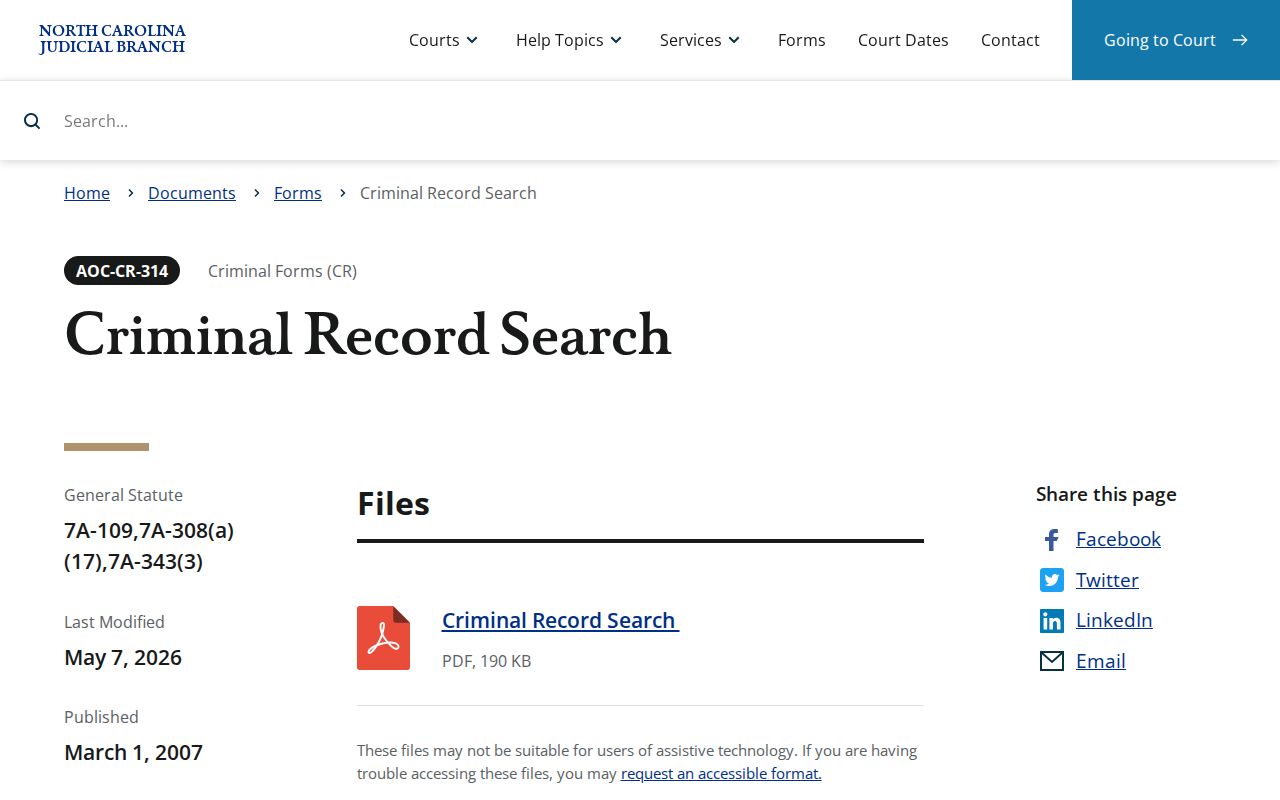
Use the form when you truly need its certified name-index result. It does not replace reading the Nash County Case Summary. It also does not replace asking the clerk for a specific filed document.
Inside a Nash County Criminal Docket
Open a Nash County criminal Case Summary and you will see the case number first, followed by Case Information. Assignment Information shows the court or judicial assignment, and Party Information helps you pick the right case when names repeat. The timeline matters most. That is where dated activity piles up: Case Events, hearings, dispositions, and financial entries when they apply. Don't assume every case shows charges, bond, attorney fields, documents, balances, or matching redactions. The Portal makes no such promise.
Each piece of the timeline means something distinct. A case event is a dated action. A hearing is a court date on the calendar. A disposition is the recorded outcome so far. Keep one thing clear: the online entry is not automatically the filed order, judgment, or pleading itself. For an official copy of any filed item, ask the Nash County Clerk of Superior Court about the court file and what copy types are available.
| Case Information | Portal's case-level information block for the selected Nash County criminal case. |
|---|---|
| Assignment Information | The court or judicial assignment used to confirm the proper case. |
| Party Information | Party-role information provided in the public Case Summary. |
| Case Events | The chronological activity timeline, which must be read using the exact Portal labels. |
| Hearings and Dispositions | Scheduled hearings and recorded outcomes when they are publicly available. |
Nash County Criminal Record Codes
A few statewide AOC terms go a long way when you read a Nash County criminal record. They are not a complete local Portal code list, though. The official AOC-CR-314 legend defines FTA as Failure To Appear. It also marks GA as a guilty plea under State v. Alford, TD as transferred to District court from Superior Court. "Transferred to S.C." means transferred to Superior Court. Watch the letters in parentheses too: (F) flags a felony. And (T) flags a misdemeanor traffic offense.
- Process type
- The record-origin indicator, such as Citation, Indictment, Magistrate Order, Criminal Summons, Warrant, Statement of Charges, or Bill of Information.
- FTA
- Failure To Appear for court, as defined by the official AOC legend.
- Disposition
- The recorded resolution or present outcome status in the Case Summary.
- Continuance
- A court-approved move of a matter to a later setting.
For event wording, the Portal itself is the authority, since it supplies the current phrasing. AOC terms help you interpret a Nash County criminal record, but they cannot fix the wording or order of every criminal event.
How a Criminal Case Moves
No single published sequence governs every Nash County criminal docket. Still, most cases travel a broad line: charging process, court settings, plea or trial, disposition or sentence, then appeal or a later event if one applies. The charging step itself takes several forms. It may be a citation, warrant, summons, magistrate order, indictment, statement of charges, or bill of information. When you read the timeline, keep a charging event separate from a hearing setting, an order, and a disposition. Each one means something different.
Process line: Citation, warrant, summons, magistrate order, indictment, statement of charges, or bill of information → court setting → plea or trial process → disposition or sentence → appeal or later event.
Portal gives you two ways to check a hearing. Use its Search Hearings feature, pick Nash County where the menu offers it, and set the hearing type to Criminal. That returns the settings on file for the case. Before you rely on any date, open the Case Summary too and compare what each screen shows; a setting listed in one place can lag behind the other. Nash County also posts live civil and criminal calendar links through the clerk, which serve as a second route to check court dates before you treat a docket entry as current.
Nash County Criminal Courts
Nash County runs one General Court of Justice, not a patchwork of separate courts. Felonies land in Superior Court. District Court takes the lighter load: misdemeanors, infractions, and traffic matters. Magistrates sit within that system. They can resolve certain preliminary criminal matters on their own authority. Whatever the division, one office keeps the paper. The Nash County Clerk of Superior Court holds the case files across all these trial levels. There is no separate Nash County criminal-docket portal for each court. A docket search starts with the clerk, not with the division name.
| Nash County court level | Criminal docket context | Where the record leads |
|---|---|---|
| Superior Court | Felonies and certain later criminal proceedings | Portal for public Case Summary; clerk for the official file |
| District Court | Misdemeanors and infractions, including traffic | Portal, calendar links, coordinator, and clerk channels |
| Magistrates | Designated preliminary criminal matters | Unified court system and Nash County clerk records |
Knowing the division helps you search; it does not change who keeps the record. The clerk still owns the official Nash County file. Need a current District Court setting instead? The Trial Court Coordinator is the right contact for that question.
Courts That Hold Criminal Dockets
Two trial courts split the Nash County criminal docket. Superior Court takes felony matters. District Court handles misdemeanors and infractions. Magistrates are District Court officers, not a separately elected docket clerk. An offense label alone will not identify the right file. Check the division assignment in the Case Summary first. Then read the court and event information together.
One office backs both divisions. The Nash County Clerk of Superior Court keeps the records for the Superior and District courts alike. State law directs clerks to maintain dockets, records, files, and indexes. The Nash County contact directory lists the published court channels. For a record question, call the clerk's main number, (252) 220-3000. A District Court setting question goes more directly to the Trial Court Coordinator at (252) 206-3012. The two numbers serve different purposes, so treat them that way.
Nash County Clerk of Superior Court
234 W. Washington St., Nashville, NC 27856
(252) 220-3000
Nash County Criminal Events
Nash County joined eCourts Track 8 on April 28, 2025. That brought Portal, eFiling, and Enterprise Justice into the county's court operation. Enterprise Justice is also called Odyssey. The whole state finished the conversion on October 13, 2025. Older material can still appear in the event history from before the local go-live date.
One warning from the official Portal FAQ matters for historical Nash County criminal events. Events that occurred before go-live can display with a 12:00 a.m. timestamp after conversion. That midnight time may be a migration artifact. It may not be the actual hearing time. Check a current hearing in Search Hearings. When the date and time truly matter, confirm through the relevant Nash County court office.
Sealed Dockets and Public Access
Criminal dockets in Nash County are open to the public. A law or court order can say otherwise. G.S. 7A-109 requires clerks to keep dockets, records, files, and indexes. It generally opens them during regular office hours. Portal and courthouse terminals both offer access. Neither path overrides a confidentiality or sealing rule.
Some material never shows up on the public Portal. Juvenile records and expunction files are excluded. So are sealed material, unreturned criminal warrants, and protective orders. All of it falls outside the ordinary public view. A missing result is not proof that no case was filed. It may reflect a restriction, an expunction, or a sealed record. It could also be a search mismatch or an incomplete online view. For your own record question, ask the Nash County Clerk which access rule applies.
North Carolina access rules. G.S. 7A-109 covers clerk-kept dockets and public inspection. G.S. 15A-151 restricts expunction-file disclosure. G.S. 7B-3000 limits juvenile-record inspection.
Nash County Criminal Access Limits
The official G.S. 15A-151 publication spells out the confidentiality rule for expunction files. Expunction is a legal process, not a Portal setting. It is not a simple deletion request either. Current AOC material explains that after an expunction the clerk has no record of the case and cannot provide documentation of it, including the expunction order, because it is disposed of with the case file.
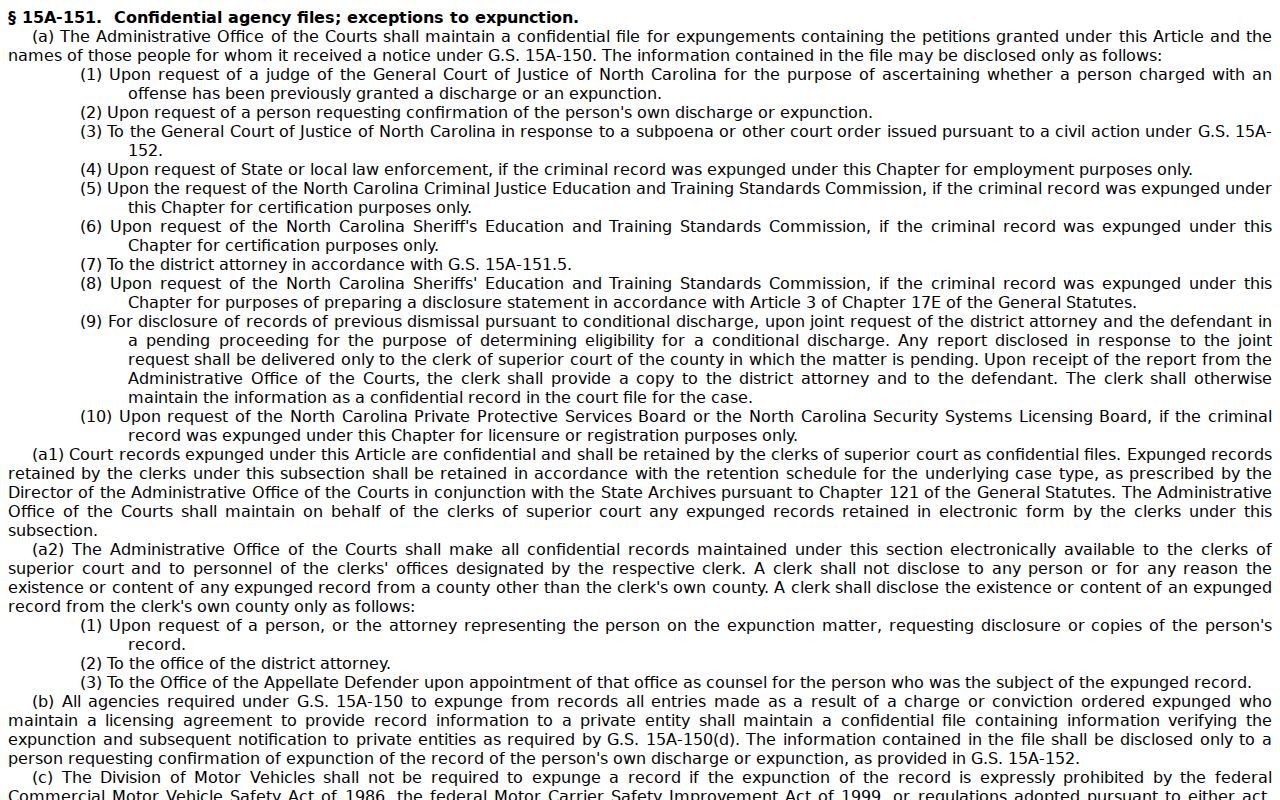
That statutory limit is why an ordinary public search cannot answer every missing-record question. Someone seeking confirmation of an expunction must use the designated statutory route. A no-result docket search proves nothing either way.
The official juvenile-record statute sets another limit on public access. It withholds juvenile records from inspection. The exception is authorized people or a court order.
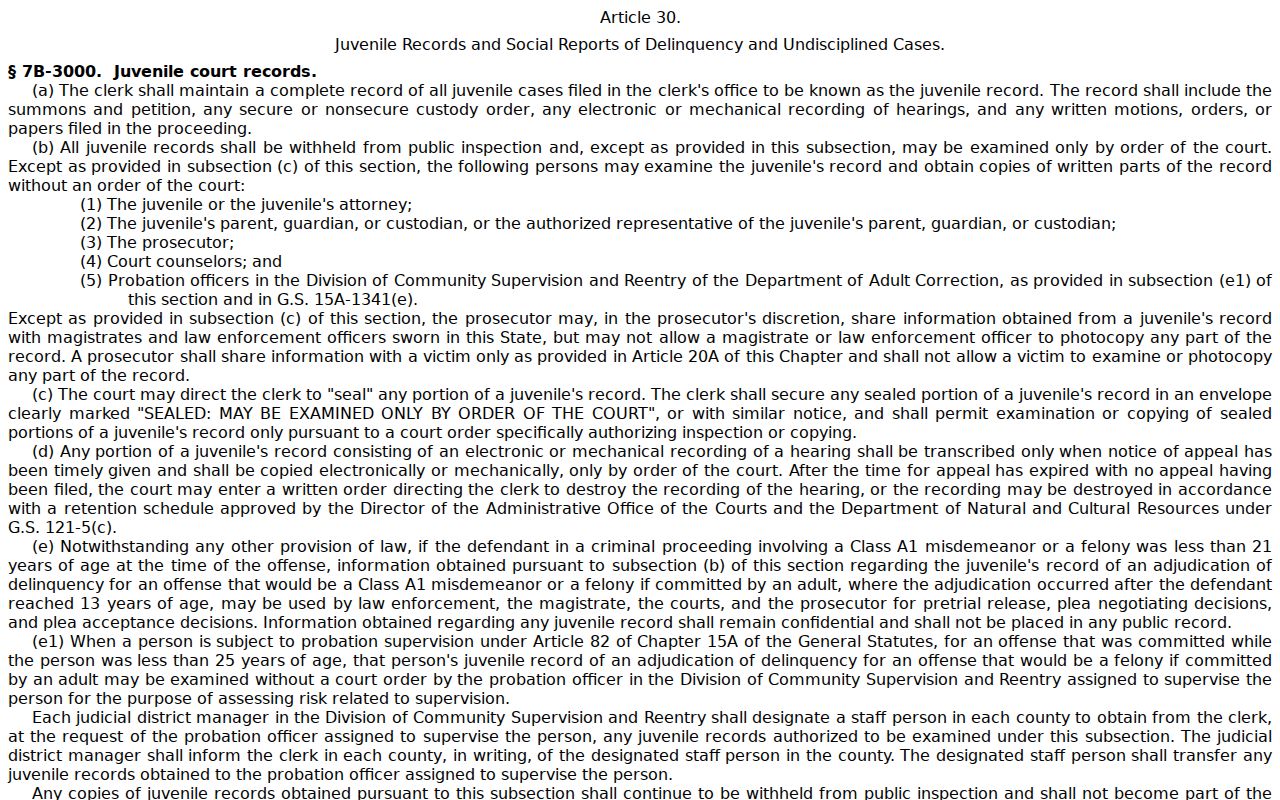
Public case access in Nash County still works well for eligible court matters. Statutory restrictions control the records the public cannot inspect through Portal or a clerk-office terminal. For an in-person record question, the Nash County Courthouse page identifies the clerk-office location.