
How to Search Cases by Name
Public case searching for Nash County runs through the North Carolina eCourts Portal. Its main tool is called Smart Search. Begin with the spelling exactly as a court paper prints it. Choose a party-name search where that fits. Open the Case Summary before trusting the match. A similar-sounding name is not the same case. Nash County matters may sit in Superior Court, District Court, or a magistrate file. One clerk keeps them all.
- Open Smart Search and choose one search criterion.
- Enter the party name exactly as it appears on the available court document.
- Review the case number, party information, assignment, and event history for each possible Nash County result.
- Open the matching Case Summary, then use its Hearings information to check a current setting.
The Portal's own guide lists the search controls. Menus and required-field markers can shift, so a live session shows the current details.
| Field | Type | Required | Use in Nash County |
|---|---|---|---|
| Smart Search criterion | Text or selector | One criterion | Portal defaults to a case number or party name. |
| Party Name | Text | Optional alternative | Use the court-paper spelling for a Nash County search. |
| Case Number | Text | Optional alternative | Usually the most precise Nash County lookup. |
| Advanced Filtering | Expanding controls | Optional | Includes civil actions, non-confidential special proceedings, estates, and criminal actions. |
Never accept a name match on the name alone. Check the party details against the assignment and the case events listed in the docket. A District Court matter, a Superior Court matter, and a magistrate matter can all live inside the unified Nash County clerk system. If the county is unclear, read the assignment rather than trusting a place name. That one habit matters. It keeps a stray statewide Portal match from passing as a confirmed Nash County case.
Nash County Smart Search First
Have a Nash County case number? Use it first. A broad name search is the slower route. The Portal guide requires at least four characters before a case-number wildcard. Remember that Smart Search is a public access service, not the official court record. It can locate current Nash County court information. But the Clerk of Superior Court supplies the file itself or a certified copy when needed. The NCAOC public-record policy names the county clerk as the custodian of each county case file.
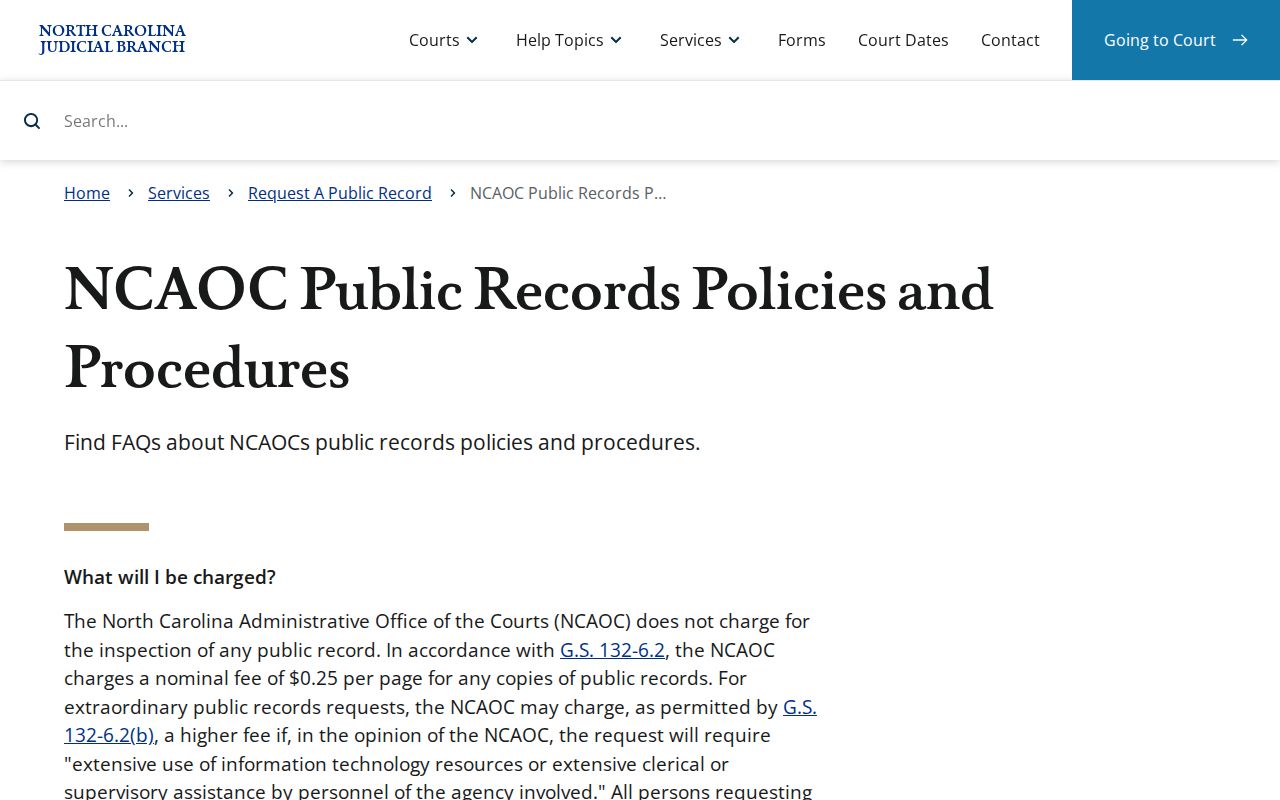
That line matters most when a Portal entry looks thin, unclear, or needs certification.
How to Search by Case Number
No official Nash County source publishes a current case-number format. So do not guess one. Copy the number exactly from the citation, summons, notice, or another court paper. Treat the exact case number on the court paper as the best Smart Search key. The same number also works in Search Hearings. A court date is often the pressing question. If nothing comes back, look for a typo. Confirm the case belongs to Nash County. Ask the clerk whether an access limit or a different county assignment explains it. Copying beats inventing a format every time.
Nash County Name Search Wildcards
Wildcards need care in a Nash County name search. The Portal guide sets the floor. It requires at least three last-name characters plus a wildcard. It also requires at least one first-name character plus a wildcard. Choosing Party Name through Advanced Filtering can shrink results, and it blocks wildcards entirely. For most Nash County searches, a plain Smart Search name entry is the smarter opening move.
- Business Name
- Select the business-name search type before using it. Bondsmen are recorded as businesses.
- Wildcard
- A character used for a partial match when the documented minimum characters are present.
- Case Summary
- The Portal’s near-real-time public view, also called the Register of Actions.
Business names with a comma follow one extra rule. The guide says to replace the comma with a wildcard and leave nothing after it.
What a Case Search Shows
A public Nash County Case Summary can display a lot. Case Information, Assignment Information, Party Information, events, hearings, dispositions, and financial information may all appear where they apply. Civil, family, probate, and mental-health matters may add causes of action. Keep one thing straight. A docket is the event history. It is not automatically the filed order or pleading behind each entry. Whether documents are public still turns on confidentiality and access rules.
| Case Information | The case-level block and identifying information for the Nash County matter. |
|---|---|
| Assignment Information | The court or judicial assignment block. |
| Case Events | The dated timeline of filings, settings, orders, or other recorded activity. |
| Hearings | Scheduled court events that can be checked against Search Hearings. |
| Disposition | The recorded resolution or current outcome status. |
Nash County Odyssey Time Clues
Nash County joined eCourts Track 8 on April 28, 2025. That brought the Portal, eFiling, and Enterprise Justice, known as Odyssey, to the county. eCourts File & Serve handles filing and is separate from public Portal viewing. Older events were converted into the newer system. The Portal FAQ notes that pre-go-live events stay available but may show a time of 12:00 a.m. That hour is often a conversion artifact. It is not proof of an overnight Nash County hearing. For any time-sensitive setting, compare the Case Summary with Search Hearings, then confirm the schedule with the Nash County court office.
County vs Statewide Case Search
The eCourts Portal is the statewide layer where a public Nash County case search begins. The county-level route runs through the Nash County clerk office and its public terminal. These are not rival databases. One helps locate public case information. The other opens the official Nash County file itself.
| eCourts Portal | Nash County Clerk or Terminal |
|---|---|
| Public Smart Search and Search Hearings access. | Public self-service terminal and case-file inspection route. |
| Case Summary, hearings, events, and eligible public documents. | Official Nash County file, paper-file access, copies, and certification. |
| Useful for a current online Nash County search. | Useful when Portal does not answer the records question. |
Nash County Public Search Options
Anyone can run a Nash County public search without Portal registration. Registration simply lets a user save cases under My Cases. That is a convenience. It does not promise access to restricted material. Elevated access belongs to statutorily authorized users with a verified business need. Start with the public route and treat registration as a bookmarking tool, nothing more.
Portal runs best in Edge and Chrome, per its FAQ. If your session stalls, the public terminals at Nash County clerk offices offer another way to search. They cover criminal, civil, special-proceeding, and estate information. When you only need a setting rather than a full case file, the county's civil and criminal calendar links are another quick check. Use the live calendar display for current Nash County session information. A current Nash County hearing still deserves a comparison with the Case Summary. Add a quick call to the court office when travel, time off work, or a deadline rides on it.
Nash County Case Summary Terms
Portal labels its public chronological view a Case Summary. It is also known as a Register of Actions. Read it top to bottom. The order runs from case number and Case Information, through Assignment Information and Party Information, then the event timeline, Hearings, Dispositions, and financial information when applicable. Those labels map the public Nash County case view. They do not promise that every filed paper or restricted document can be inspected online.
- Case Event
- A dated Nash County timeline entry, such as a filing, setting, order, or disposition.
- Assignment Information
- The Portal block that identifies the court or judicial assignment.
- Disposition
- The recorded resolution or present outcome status for the case.
When a term is unclear, keep the exact event wording from Portal. Then verify the underlying Nash County record with the clerk.
Nash County Hearing Search Filters
Search Hearings is the Portal tool for current Nash County calendar work. The official guide lists filters for location, hearing type, a specified date range, and search type. Search types include case number and party name. Business name, attorney name, attorney bar number, judicial officer, and courtroom also work. Hearing-type categories cover Civil, Criminal, Family, Probate, and Mental Health. Pick Nash County as the location when it appears.
Drop-down values vary, so use the live Portal controls. Compare any returned hearing with the Case Summary. Then call the court office if the date needs confirmation.
Restricted Cases and Access Rules
Most Nash County dockets are public unless a law or court order says otherwise. Juvenile records, expunction files, sealed records, unreturned criminal warrants, and protective orders may not surface in an ordinary public Portal search. An absent result does not mean no case exists. The Nash County clerk can explain which access rule applies. Submitting an ordinary request never turns a restricted record into a public one, though. North Carolina's public-record law supplies the general framework. It remains subject to the confidentiality rules that govern court files.
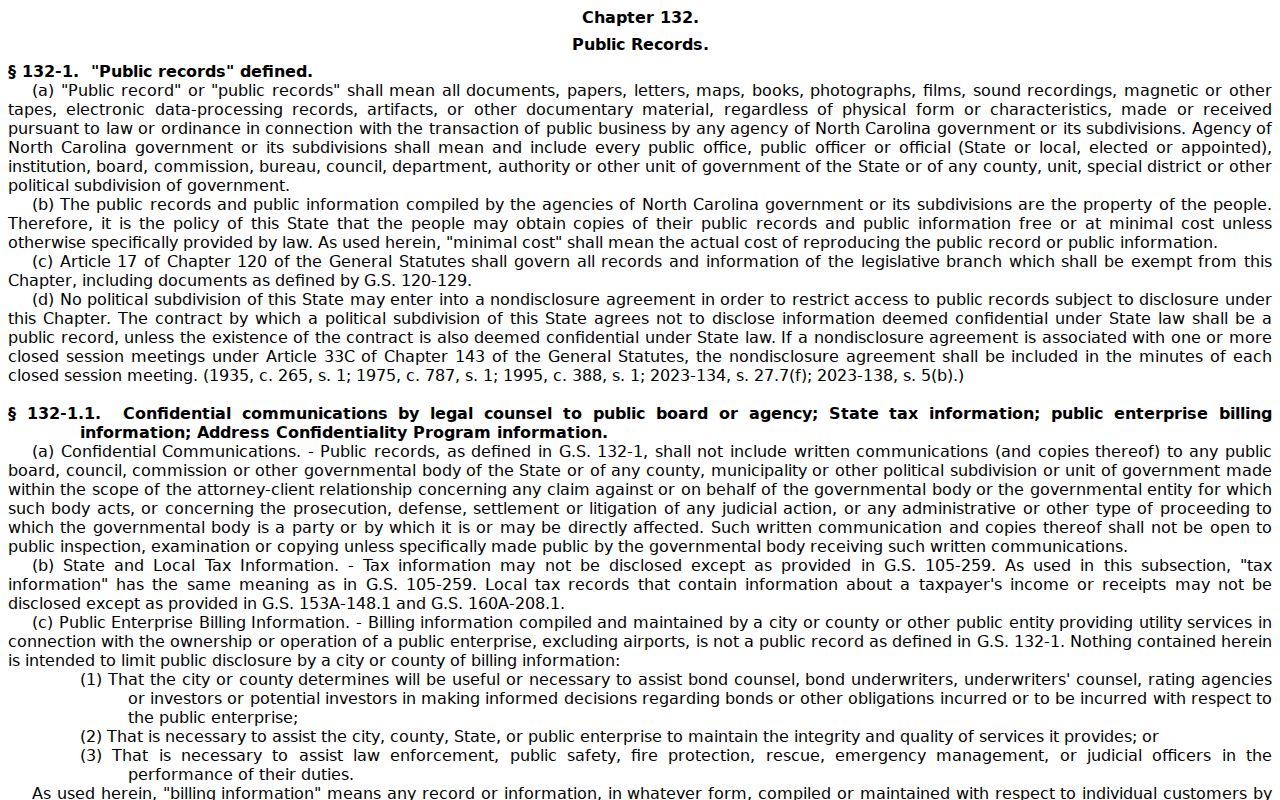
For Nash County court records, G.S. 7A-109 and the individual confidentiality law control access more directly.
Nash County No-Result Steps
A no-result Nash County search has a simple fallback chain. Recheck the case number or party spelling first. Then try Smart Search and Search Hearings. Check the county's calendar links, and call the clerk. For a District Court setting, the Trial Court Coordinator answers at (252) 206-3012. The clerk's main number is (252) 220-3000. A clerk-office terminal or the paper file can settle what the public Portal session cannot. Note that the AOC-CV-830 mediation form information deals with public-record disputes involving the state agency. It does not replace a Nash County clerk request for a case file.
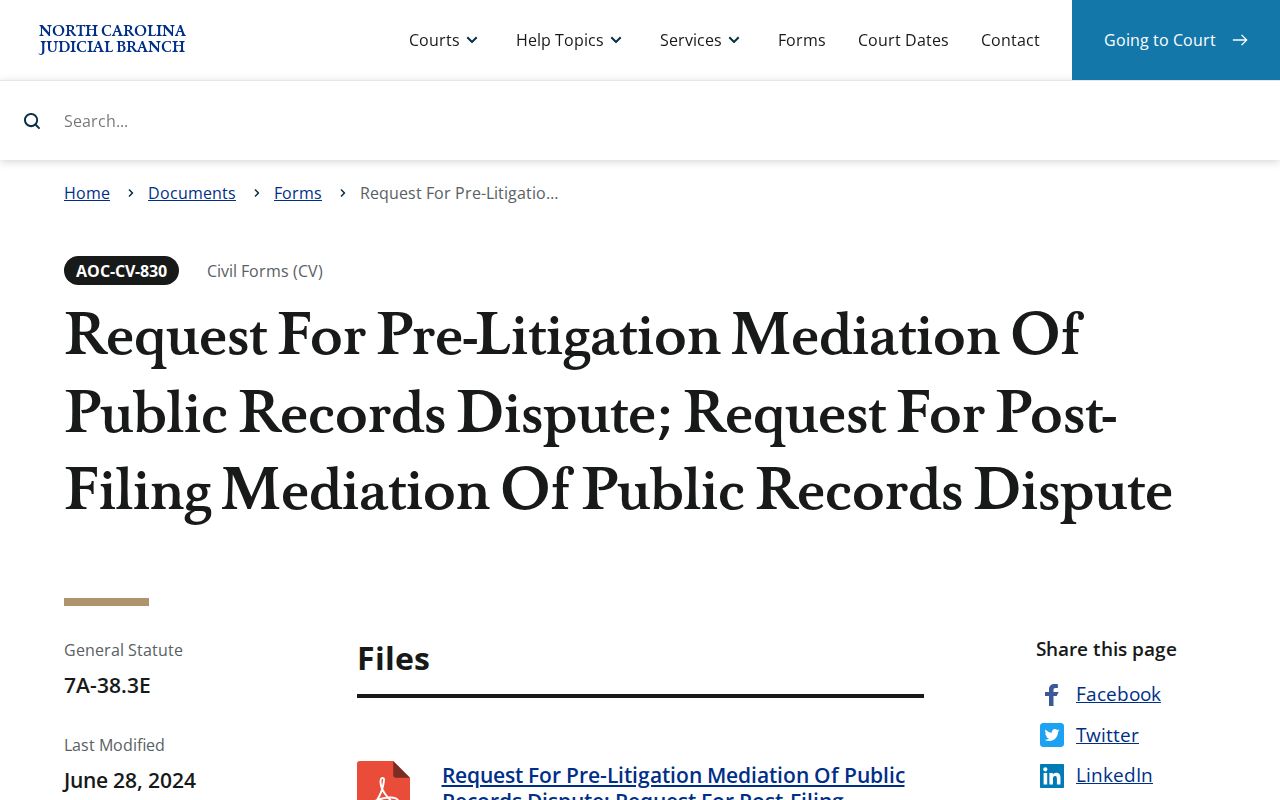
Take a Nash County case-file question straight to the clerk who holds that file. That keeps the no-result search with the Nash County court office rather than an agency that does not maintain the record. One caution: a missing public Portal result does not establish that no Nash County case was filed, or that a record is unrestricted.
Federal Cases Outside Nash County
A Nash County eCourts search never substitutes for federal docket access. Federal civil and criminal cases tied to Nash County run through PACER. Federal filing uses CM/ECF. Bankruptcy matters in the Eastern District of North Carolina sit on those same federal systems. A state Case Summary and a federal docket are separate records with separate custodians. So never infer the status of a federal case from a Nash County Portal result. The Eastern District of North Carolina Bankruptcy Court posts its own federal access-system information.
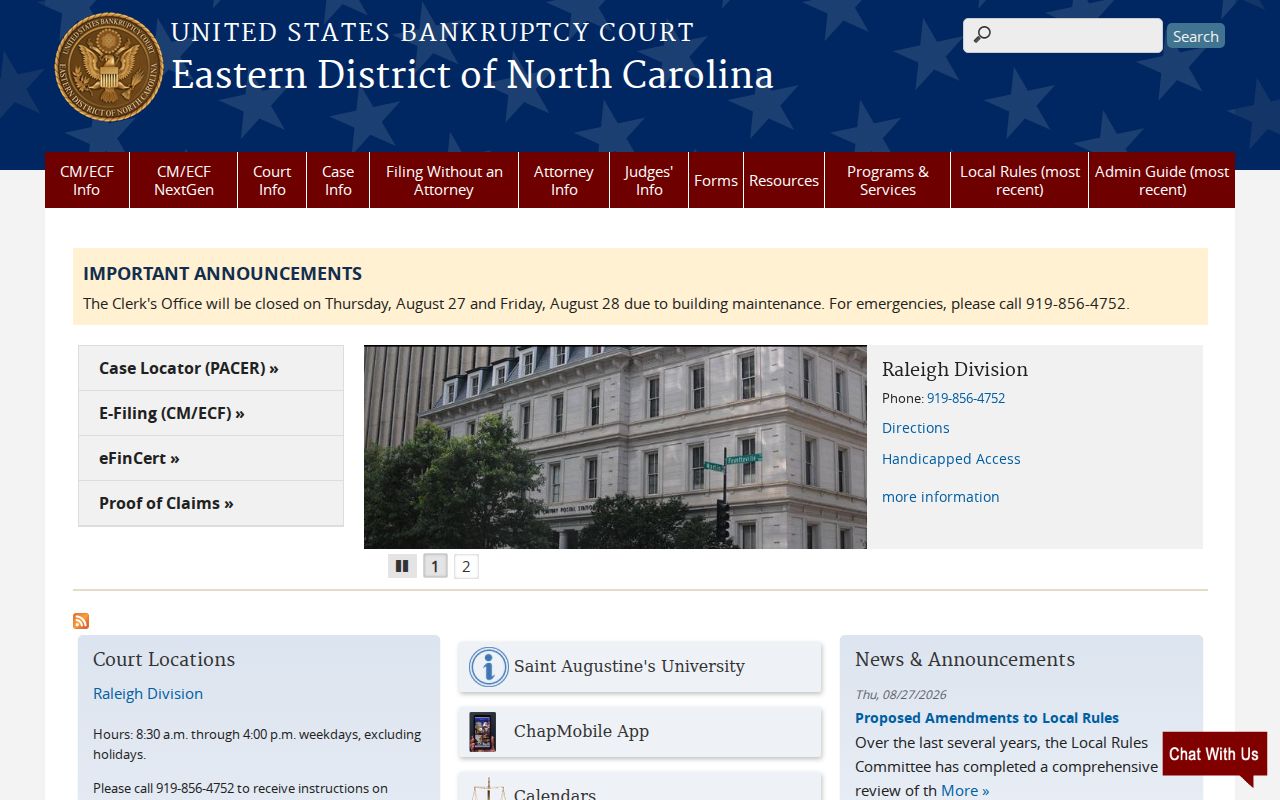
The federal route matters only when the matter is truly federal rather than a Nash County state-court case. The official PACER pricing page describes the charges for federal docket and document access.
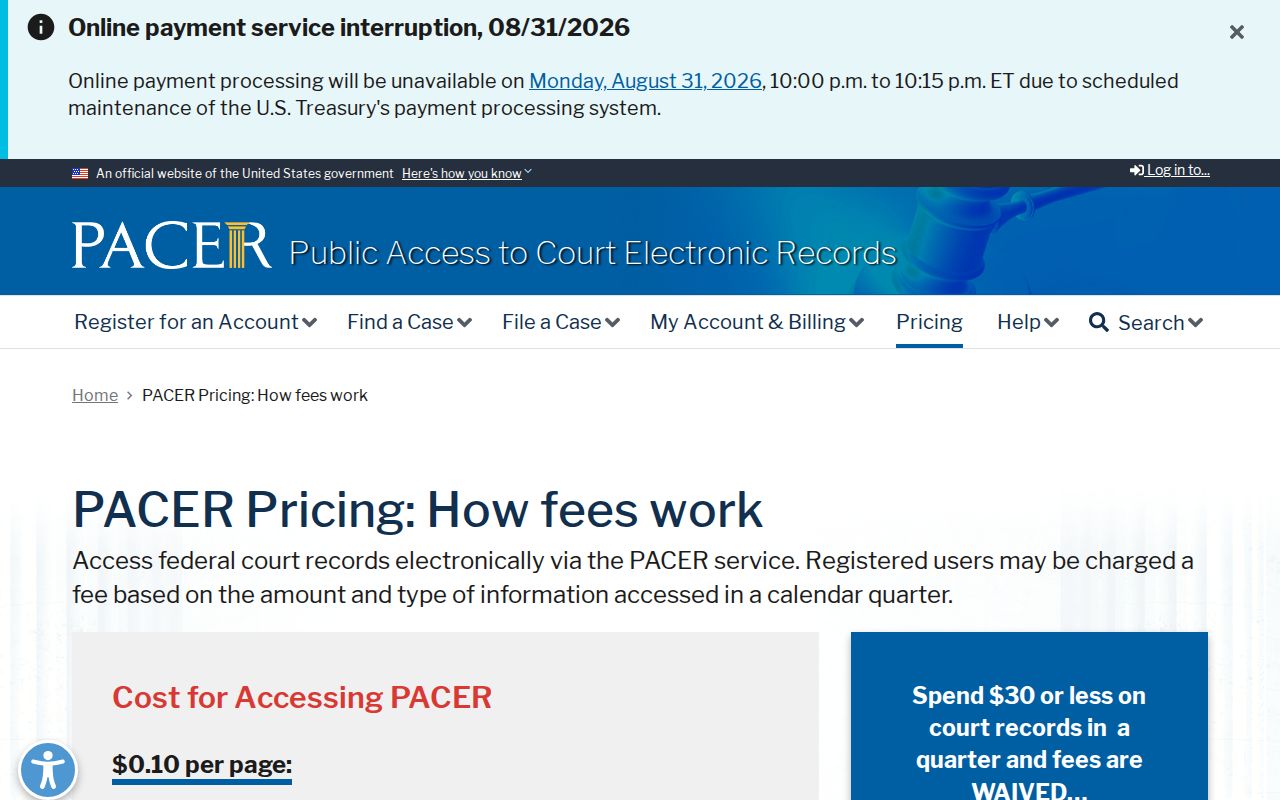
PACER's federal pricing rules set no fee for a Nash County Clerk copy. The PACER fee notice documents a planned federal fee change.
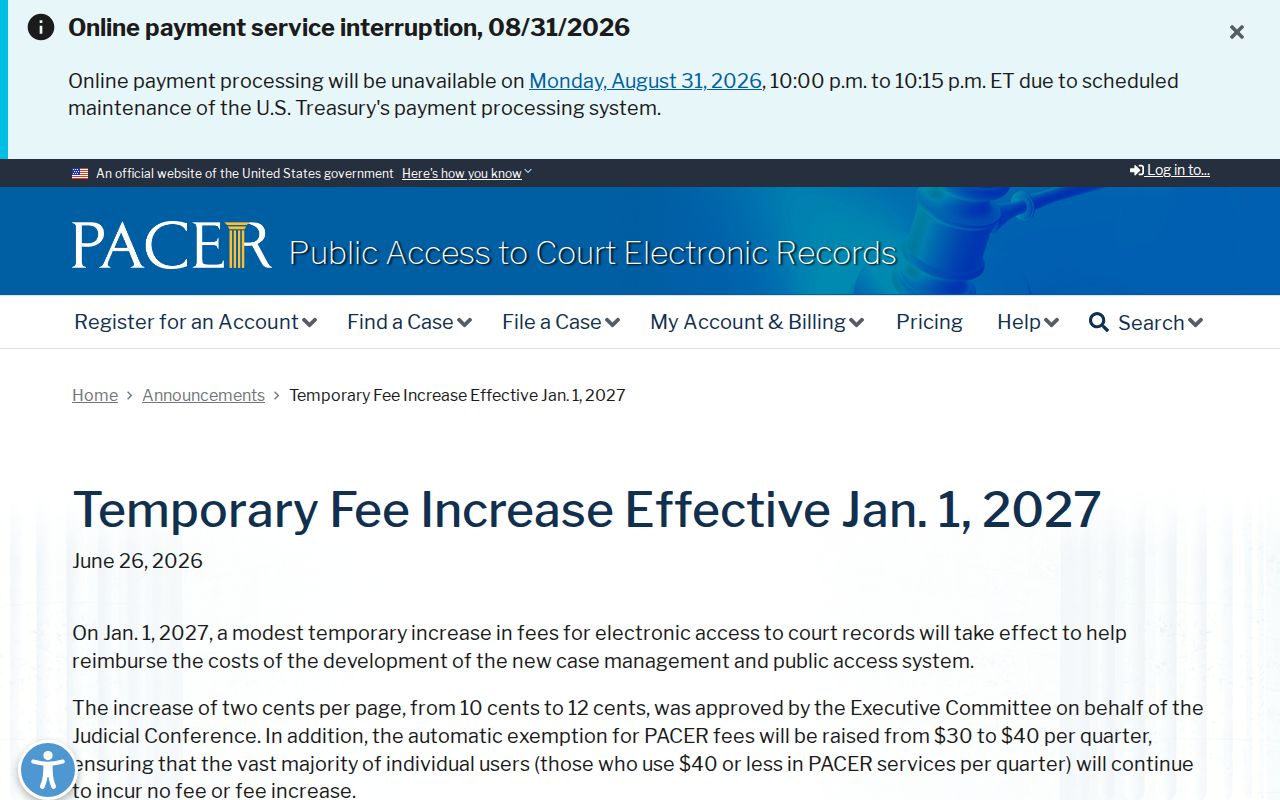
For a Nash County court record, stay with the state Portal and the Nash County clerk channels. A state search and a federal search begin in different systems, even when the subject matter sounds alike.