
Nash County Court Calendars Explained
Two documents do different jobs. A Nash County court calendar lists the cases set for one court session. A Case Summary is the event history for a single case. The public North Carolina eCourts Portal offers both. Its Smart Search tool opens a Case Summary. Its Search Hearings tool looks through current calendars for a time and place. The official Nash County page also links Civil Calendars and Criminal Calendars. Those live at the separate state calendar host.
Use the two together. A calendar tells you a matter is on a session list. The Case Summary shows the full timeline, including its Hearings section. A deadline, a trip, or your own appearance may depend on a court date. Compare the Portal event against the matching calendar before you rely on either one. The calendar host's dropdowns and result columns change. So a live check always beats a guess.
Note: A Nash County calendar shows the session. The Case Summary gives the case-specific timeline that confirms the setting.
Nash County Hearing Search
Search Hearings is the Portal tool built for a current Nash County hearing. The official guide walks through a location selection, a hearing-type selection, a date range, and a search type. Pick Nash County as the location when it appears. Hearing Type options listed in the guide include Civil, Criminal, Family, Probate, and Mental Health. From there you can search by case number, party name, business name, attorney name, attorney bar number, judicial officer, or courtroom.
Lead with the case number when you can. It is the surest way to tie a hearing result to the right Case Summary. Treat any courtroom number, judge field, or result layout you see described elsewhere with care. The official guide documents the fields and workflow. It does not fix a result format for every Nash County search. Check the live Portal for the current details.
| Search Hearings field | How it helps a Nash County search |
|---|---|
| Location | Select Nash County when available before refining the search. |
| Hearing Type | Choose the documented civil, criminal, family, probate, or mental-health category that fits the matter. |
| Date range | Limits the hearing inquiry to the period that needs confirmation. |
| Search type | Connects the hearing query to a case number, party, business, attorney, judicial officer, or courtroom. |
Finding Your Court Date
Start at the public Portal. Then bring in the county's published calendar and direct court channels as needed. A court date search should follow the case, not just a city name. Nash County cases may sit in District Court, Superior Court, or before a magistrate. The Portal's Case Summary gives the hearing history for one case. Search Hearings covers the current calendar. A date close to an appearance deserves extra care. Confirm it with the office that handles the case.
- Use Portal Search Hearings with Nash County, the relevant hearing type, a date range, and the best documented search criterion.
- Open the matching Smart Search Case Summary and compare the Hearings and Case Events timeline.
- Check the official Nash County Civil Calendars or Criminal Calendars link for the live session list.
- For a District Court setting, call the Trial Court Coordinator at (252) 206-3012; call the clerk at (252) 220-3000 for case-file and official-record questions.
- Use a clerk-office public terminal or inspect the Nash County court file if online access does not resolve the date.
The Superior Court judges' office lists a line at (252) 220-3016 for Superior Court calendar questions when the court directs them there. At the clerk's office, public terminals can search criminal, civil, special-proceeding, and estate information. The Nash County Clerk of Superior Court keeps the official file.
Nash County Calendar Links
The North Carolina court calendars service is the official entry point for civil and criminal calendars. It is linked from the Nash County court page. Open it live and pull the calendar that matches your case. The host is dynamic. It publishes no fixed schedule or field list for Nash County results. Check it directly each time rather than assuming an update interval.
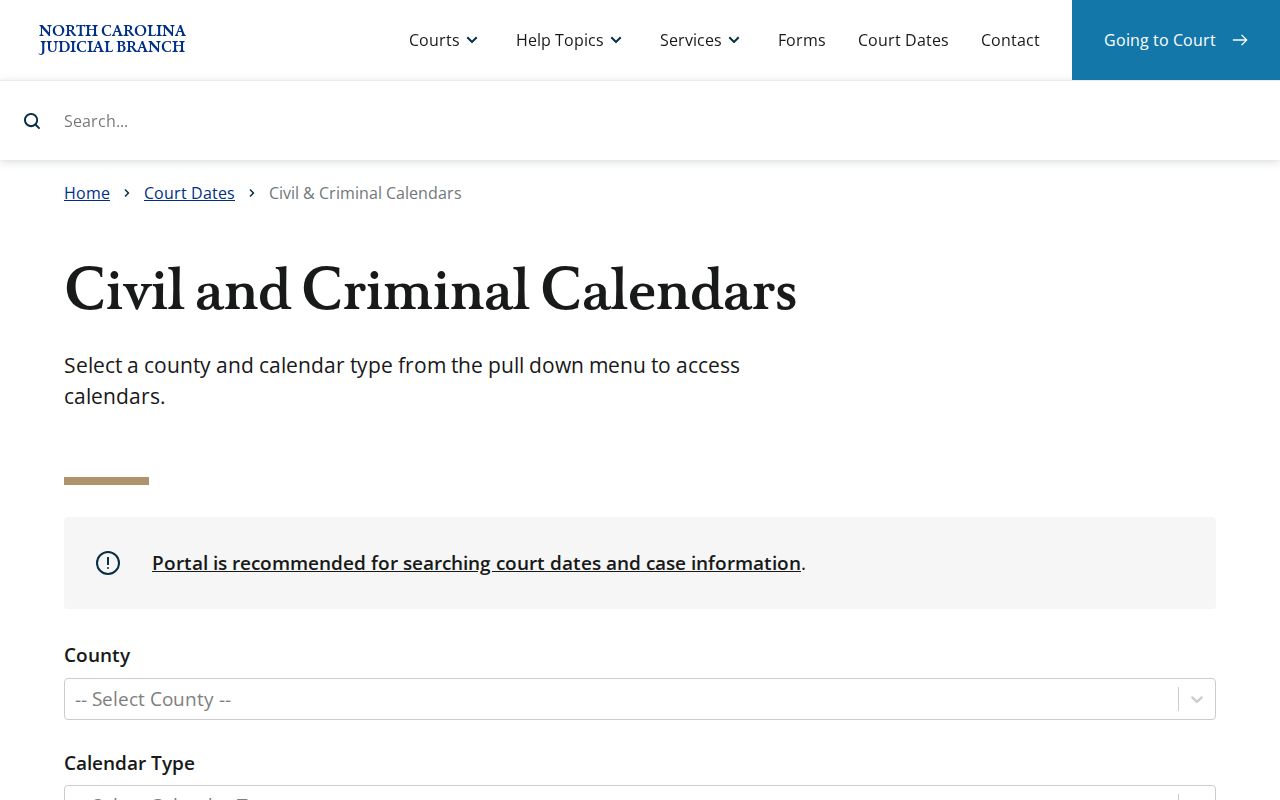
That service gives a direct calendar route. It does not replace the Portal's Case Summary. An event history may show an older or later setting. The calendar is built around a single session. The two can disagree, or a setting can look uncertain. Confirm the date through the proper Nash County court channel.
The official Nash County Judicial Branch page gathers the Portal, calendars, local forms, payment information, and contact routes in one place. It is the best official starting point. A date search sometimes needs more than one channel.
How to Read a Court Setting
A setting is a scheduled court event, nothing more. Read it alongside the case number, the court or assignment, the hearing type, and the event timeline. Portal documentation lists location, hearing type, date range, and search criteria as the Search Hearings inputs. Its stated public purpose is finding where and when a current hearing takes place. What it does not publish is a complete list of result fields. So do not assume every search shows a courtroom. Do not expect a judge, a party name, or an event column in every result.
| Date | The calendar date selected or returned for a current hearing search. |
|---|---|
| Time | Read the live hearing time with the Case Summary; a historical conversion time can be misleading. |
| Court or assignment | Use Assignment Information to confirm the case’s Nash County trial-court context. |
| Hearing type | The documented Portal category, such as Civil, Criminal, Family, Probate, or Mental Health. |
| Setting label | Read the actual Portal event description before drawing a conclusion about the next court action. |
A calendar entry is not the whole court record. The matching Case Summary holds the related timeline. If you need an official copy or a filed order, contact the Nash County Clerk of Superior Court instead of treating the calendar as the record.
Nash County Court Terms
Reading setting language works best when you tie each term to the actual hearing type and event label on the entry. Think of these as plain-language working definitions. Nash County has no definitive published menu of Portal setting codes, so treat each description as a practical reading aid rather than an official glossary.
- Arraignment or first appearance
- An initial criminal appearance.
- Pretrial
- A case-preparation setting.
- Motion hearing
- A setting where the court considers a motion.
- Calendar call or docket call
- A court session in which cases set for the session are reviewed.
- Continuance
- A setting moved to a later date with court approval.
- Peremptory setting
- A requested firm setting that remains subject to court approval.
The local rules page indexes a Notice of Hearing form and a Request for Peremptory Setting. Those materials back up the terms above. Still, they do not promise that every court date is final or that every request gets granted.
Continuances, Resets, and Cancellations
A continuance moves a setting to a later date, and the court must approve it. Nothing about it is automatic. Nash County local materials include a District Court rule on continuance motions for criminal cases and infractions. It sits alongside the other calendar resources. State traffic guidance adds that a judge may agree to postpone a case, with no guarantee. If a hearing looks like it moved, verify it in Search Hearings, Smart Search, and the relevant live calendar. Do not assume anything about your Nash County court docket before then.
For Superior Court civil matters, the published local calendar rules put the Trial Court Administrator in charge of civil case and motion calendars. The clerk posts those calendars in a prominent place for counsel and the public. The same rules sketch out tentative calendars and case-status procedures. They predate the 2025 eCourts conversion. So the live Portal and direct confirmation from the court remain the current date sources for a Nash County civil docket.
A cancellation is never the same thing as a dismissal. A moved setting is not either. Nor is a calendar omission. Check the newest Case Events entry first. For a District Court matter, the Trial Court Coordinator is the published confirmation route. The clerk holds the file and the official court record.
Nash County Calendar Contacts
The Nash County contact directory separates calendar staff from the office holding the case file. The Nash County Clerk of Superior Court and main courthouse line is (252) 220-3000. For the District Court Trial Court Coordinator, dial (252) 206-3012. The Superior Court judges' office is (252) 220-3016. Match each number to the question it was published to answer. The wrong office will only point you back.
The Nash County Courthouse sits at 234 W. Washington St., Nashville, NC 27856. Go there if you want to view a file or calendar in person. The official location page lists a split daily schedule. Call first when a clerk-counter visit hinges on a particular day. Ask the clerk about public-terminal availability inside the building. The location page does not publish those details.
Nash County Courthouse
234 W. Washington St., Nashville, NC 27856
Clerk and main line: (252) 220-3000
If You Miss a Court Setting
Missed a Nash County setting? Act quickly. Check Portal for any later entry, then contact the right court office for direction. The clerk handles questions about the case record. The District Court Trial Court Coordinator confirms District Court settings. A court may issue a new date in some circumstances. Assume no automatic reset, and get qualified legal advice about your own matter.
Missed setting warning. For a traffic case, state guidance says an unresolved missed date can lead to a “called and failed” entry, and after 20 days an FTA may issue with possible further court consequences.
Use the citation, Case Summary, and the clerk or coordinator channels to confirm the current status and follow any court direction promptly.
The court-date question is always about the actual case. Use the case number wherever possible. Keep three things distinct: a current Portal hearing search, an official calendar listing, and the clerk-maintained court file.
Nash County Court Events
Nash County entered eCourts Track 8 on April 28, 2025. The rollout brought Portal, eFiling, and Enterprise Justice, also called Odyssey. By October 13, 2025, the Judicial Branch states, eCourts conversion was statewide. Older Nash County case events were converted into the system. That helps with history but raises one timing caution.
The official Portal FAQ warns that pre-go-live events may carry a 12:00 a.m. timestamp. That hour can be a conversion artifact rather than the real hearing time. So verify a live Nash County setting through current Search Hearings and the related Case Summary. Treat the historical timestamp as record-keeping. It is not a present appearance time on the court docket.
The Track 8 eCourts announcement records the local launch among eastern counties.
The conversion explains the modern Portal route and the midnight timestamp caution. It does not set a schedule for every Nash County court session.
Nash County Court Date Routing
Town and city offices may publish local department contacts. But North Carolina runs no separate Nash municipal-court docket system for city-issued state-law citations. A case tied to Nashville, Rocky Mount, Red Oak, Sharpsburg, or Spring Hope still needs its county and court assignment confirmed. Rocky Mount and Sharpsburg cross county lines. So a city name alone is a shaky court-date search field.
The Town of Nashville departments page is an official city-contact source. It is not a separate court calendar. It shows exactly why local government information should stay separate from the Nash County court calendar and clerk record.
For any court setting, select or confirm Nash County in Portal first. Then identify the actual District Court, Superior Court, or magistrate context shown by the case record.